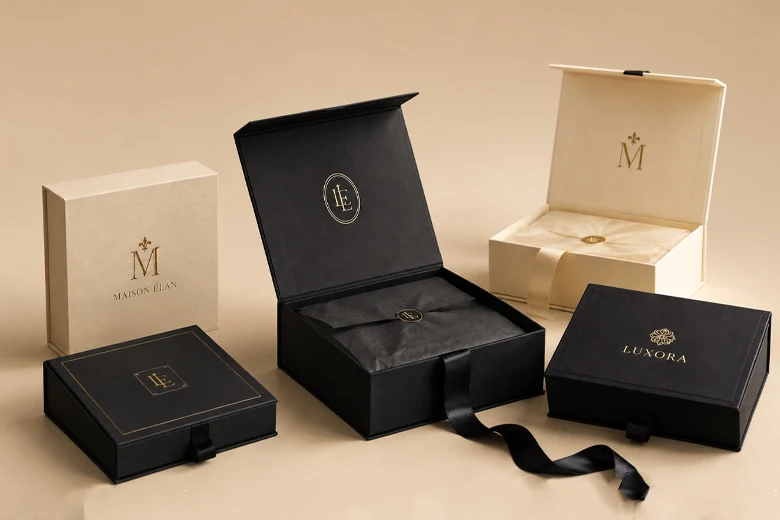
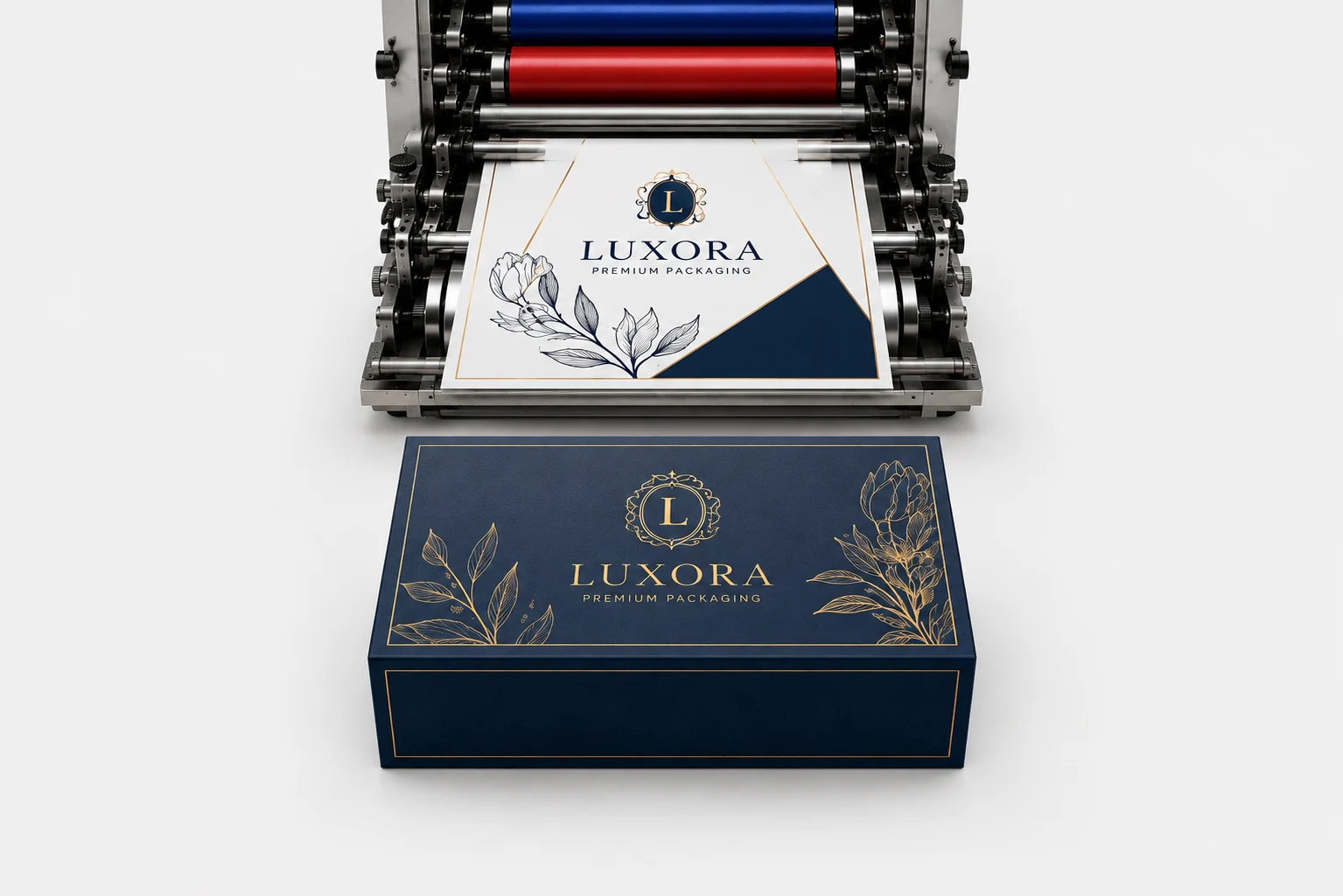
The way a brand packs and presents its products matters. And the difference between a box that looks professional and one that feels “off” is the dieline.
But what is a dieline in packaging?
If you have (intentionally or accidentally) unfolded a product packaging box only to see the lines underneath, you have seen a dieline.
Let’s know a dieline, from the meaning to the steps for creating your own.
What is a Dieline?
The first question: What is a dieline in packaging?
A dieline is a 2D digital template representing the flattened structure of a 3D box. This template serves as a technical “road map” for both designers and manufacturers. How?
Dieline helps to specify exactly where a machine should cut, crease, or glue the material. The main goal? Of course, to transform a flat sheet into a functional box.
Why Dielines Are Important in Product Packaging?
Folding cartons, corrugated packaging, or rigid boxes; whatever product packaging you are creating, having a high-quality dieline is non-negotiable.
Here’s the list of the importance of dielines, whether for a mailer box, shipping box, or luxury packaging.
The Power of 3D Visualization
We are moving toward the 3D visualization age right now. Fortunately, modern dieline software enables you to wrap your 2D design onto a 3D model. This preview helps you see how graphics transition across corners and panels. Overall, a dieline ensures your artwork and branding will look seamless from every angle of the box.
Prevent Potential Design Errors
A packaging dieline serves as a final proofing tool. It allows you (and designers) to catch errors in artwork placement, typography, and structural integrity. Eventually, this helps in preventing the expensive die-cutting machinery from running.
Precision for a Perfect Fit
Dielines ensure that your product packaging is built to the exact millimeter your product requires. After all, you surely don’t want your product rattling around or, worse, not fitting in the box. A dieline provides accurate measurements to prevent this.
Prototyping for Functional Refinement
Another important role of a dieline is that it serves as the first step toward a physical prototype. By testing a sample made from your dieline, you can check the “unboxing experience. Is the box too wide? Is the lid too tight? Is the locking tab secure? Then, you can do complete functional refinement.
Saving Time and Your Bottom Line
A packaging dieline works well in optimizing the layout of multiple boxes. It does this with a single sheet of material. The result? You can reduce packaging waste, save more time, and lower production costs.
Decoding the Dieline: How to Read a Dieline?
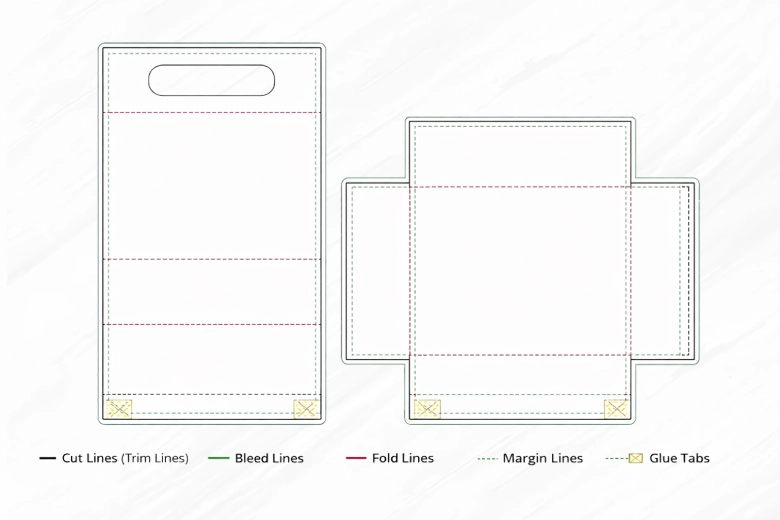
Now comes the harsh part: a dieline uses a standardized language of colors and styles to communicate with manufacturing equipment. If you are new to this, it can be a hassle. So, let’s decode every line you should know.
Cut Lines (Trim Lines)
You will see these lines in solid black. Cut lines or trim lines tell the die-cutting machine exactly where to trim the material to its final box shape.
Bleed Lines
Bleed lines come in solid green or light blue. These lines typically sit around 0.125 inches (3mm) outside the cut line.
Note: Your artwork should extend to this line if you don’t want any accidental white edges when the machine shifts slightly.
Fold Lines
Also known as Crease Lines, Fold Lines are available in solid red or dashed. The purpose of these lines is to indicate where the material will be creased and folded to assemble the 3D format.
Margin Lines
Margin Lines are the “Safety Lines” in dotted green colors set inside the cut line. All your essential branding, like logo and text, must stay inside this “safe zone” to avoid being cut off or obscured by folds.
Perforation Lines
If you need some small holes or tear strips on your box, Perforation Lines are a MUST. These lines featured as dotted or dashed lines. Their function is to show where the machine should punch small holes for easy-tear strips or openings.
Glue Tabs
Marked with a crisscross pattern, Glue/Seal Tabs indicate exactly where adhesive should be applied to ensure your box is a perfect fit.
How to Create Dielines? The Step-by-Step Guide
Do note that creating a dieline requires mathematical precision and specific design workflows. Sounds difficult? It shouldn’t be when you follow the steps below.
Use the Ideal Structural Design Software
Before you start creating a dieline, it is all about the software tool you use. You should create a packaging dieline as vector art. Why? To make it readable by manufacturing machines.
What design software tools should you use?
- Adobe Illustrator: This is the industry standard for creating visual design on top of the template.
- ArtiosCAD: It is a software for structural engineering that accounts for material thickness and weight.
Define the Flat Size and Layout You Need
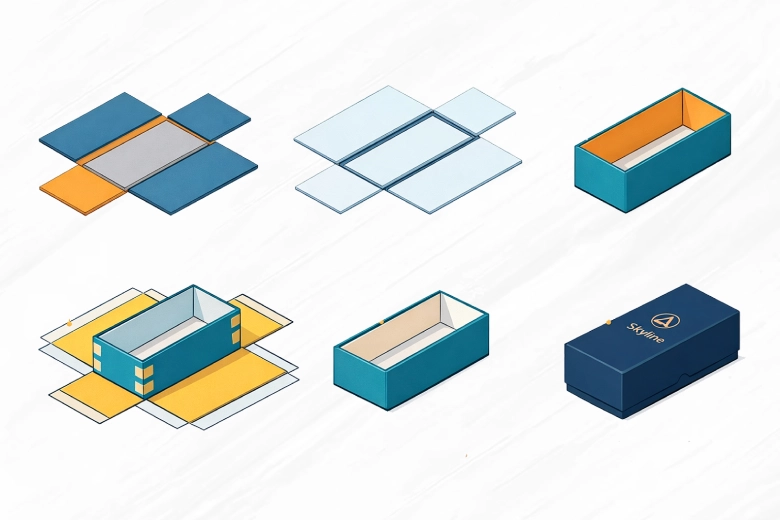
Now, let’s start measuring the length, width, and depth of the product you want to pack inside the box. Use the measurements for your 2D canvas. Don’t forget to account for the scoring allowance. What is a scoring allowance? It is the additional space. You will need it if you use thick packaging materials like corrugated or rigid stock.
Include the Production Markers
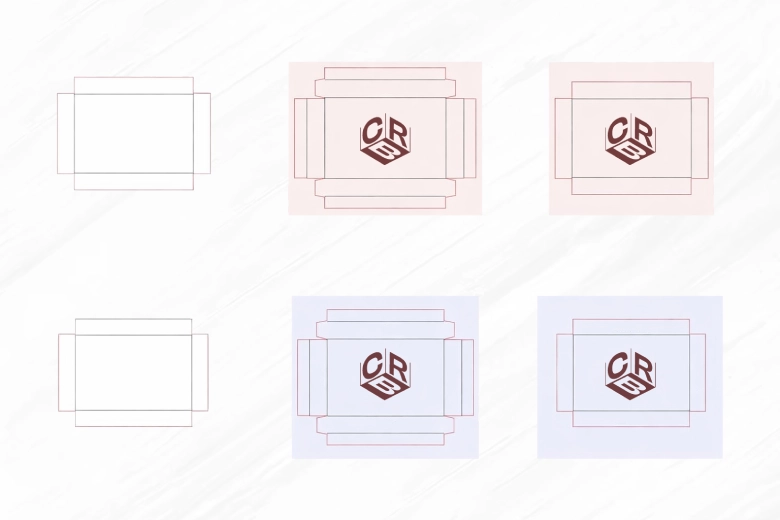
In addition to the lines themselves, you must include crop marks and registration marks. By including production markers, the printer can easily align your artwork with the physical cuts on the box.
Choose the Right Output Format
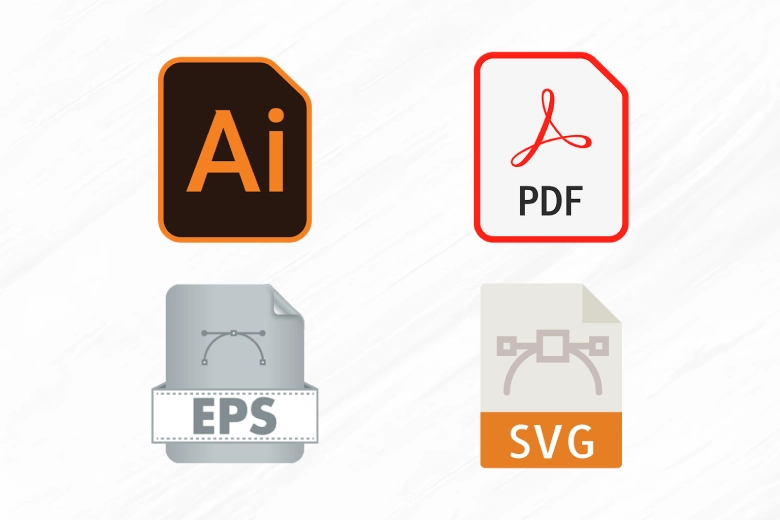
Many packaging manufacturers require files in AI or high-resolution vector PDF formats. Make sure you have your own dieline. Meaning? It should be clearly labeled and locked above your unique artwork.
The Die-Cutting Time
Alright, now that your dieline is finalized, it is time to create a physical die. Now, what is a physical die? It is a custom-shaped tool with sharp steel blades (knives) along with creasing rules embedded in a wooden board. This giant cutter is loaded into a machine that stamps out your packaging box with perfect precision.
Dieline Examples
There are many types of packaging boxes, right? And, of course, each box type requires a different dieline.
Let’s review the dieline structures of popular packaging options.
As the name suggests, this box features two separate pieces—a base and a lid.
When creating a dieline for this box, you need an exact calculation of “friction” between the lid and base.
A drawer box also features an outer sleeve and an inner tray (the drawer). To create the box’s dieline, you should include a thumb notch or a ribbon pull for easy drawer removal.
A magnetic closure box is a single, hinged piece with a base, a lid, and a closing flap. This box’s dieline must include spaces for hidden magnets in the front wall, along with the closure flap.
This is a three-piece construction: a base, a lid, and a separate inner neck/shoulder tray. Thus, the dieline for its inner tray (neck) should be taller than the base. This way, you can create a visible “shoulder” or “ledge” for the lid to rest on.
Summing Up
Summing it up, a dieline in packaging tells exactly where a machine should cut, crease, or glue the material. It helps in creating perfect packaging with 3D visualization, preventing errors before they become costly, precision for a perfect fit, prototyping for functional refinement, and saving time and your bottom line.
Well then, are you ready to create your packaging dieline?
FAQs
What is a dieline in packaging?
A dieline in packaging is a 2D digital template representing the flattened structure of a 3D box. This template serves as a technical “road map” for both designers and manufacturers.
What are the lines in a dieline?
The lines in a dieline include cut lines, bleed lines, fold lines, margin lines, perforation lines, and glue tabs.
How to create dielines?
To create dielines, use the ideal structural design software, define the flat size and layout, include production markers, and select the right output format.
What is the importance of a dieline?
The importance of a dieline includes 3D visualization, catching errors before they become costly, precision for a perfect fit, prototyping for functional refinement, and saving time and your bottom line.